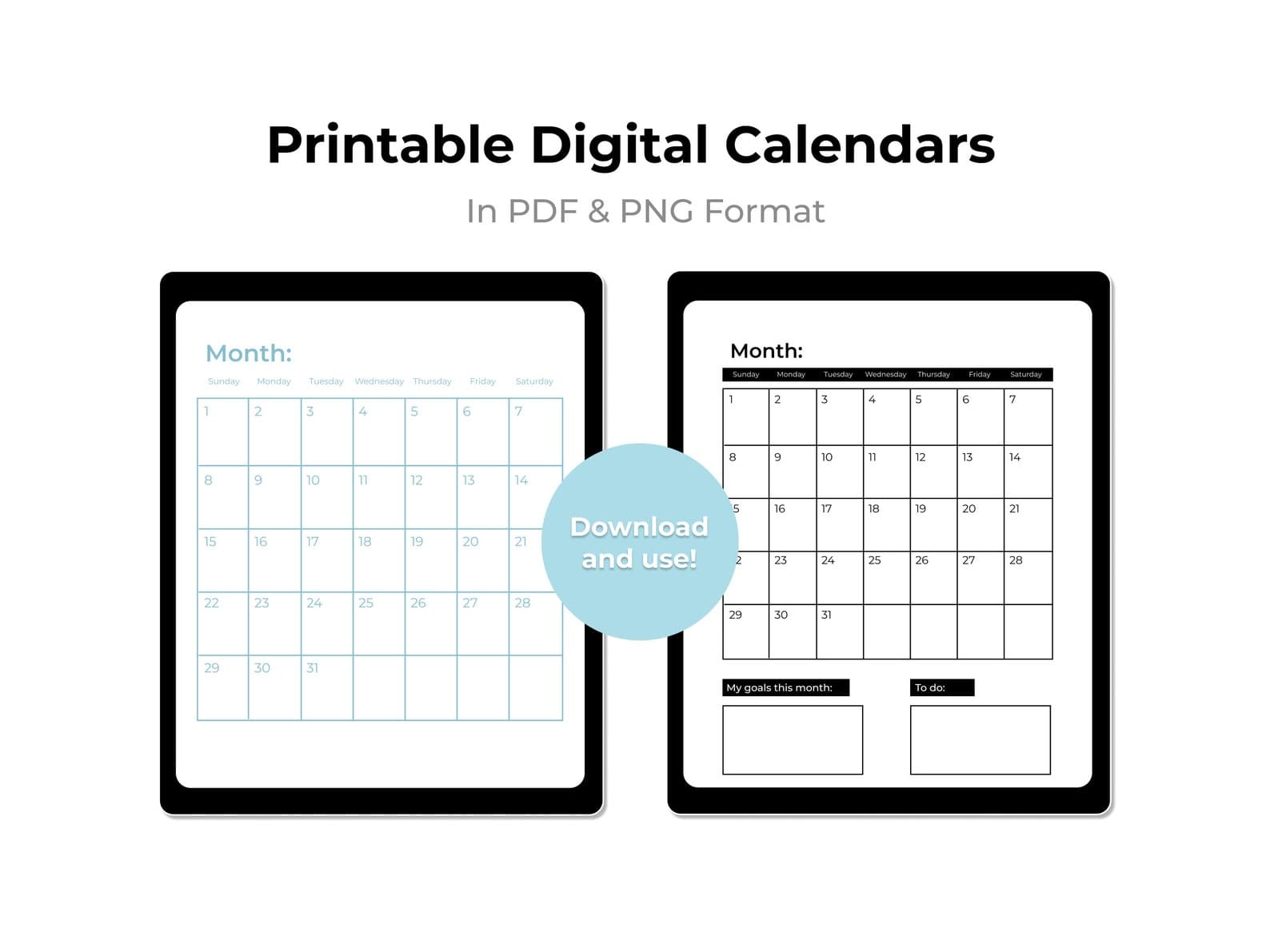
Printable 2026 Monthly Calendar
A printable 2026 monthly calendar for planning promotions, content, and operations ahead.
Calendars · Guide
Build a month-ready content calendar that connects social posts, launches, and operational capacity.
Updated August 8, 2026 · 6 min read
Create a business content calendar by listing key dates and goals, choosing a few recurring themes, assigning channels and owners, batching production, and reviewing results at month end before planning the next cycle.
Planning without design systems still stalls. Combine the calendar with social templates so each planned idea has a default visual container.
Weekly or monthly views are enough for most small businesses. Daily views help only when volume and team size require them.
Yes. Use a channel field so campaigns stay coordinated without separate tools on day one.
Ready-to-edit Zqdo digital products. Purchase happens on Etsy; this site is here to help you choose the right starting point.
A printable 2026 monthly calendar for planning promotions, content, and operations ahead.
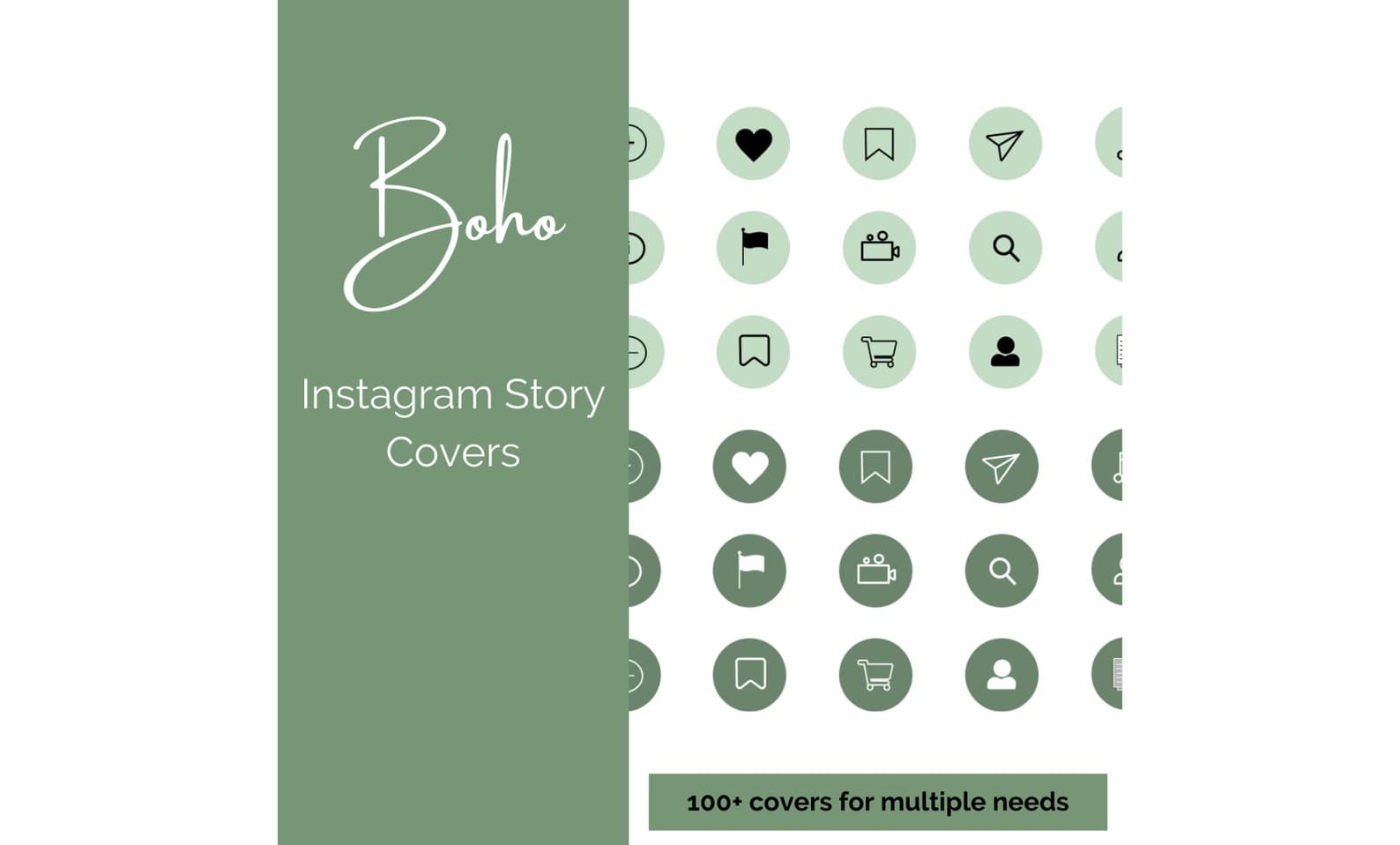
Boho green neutral Instagram highlight covers and story icons for cohesive profiles.
Keep exploring the calendars topic cluster before you buy.