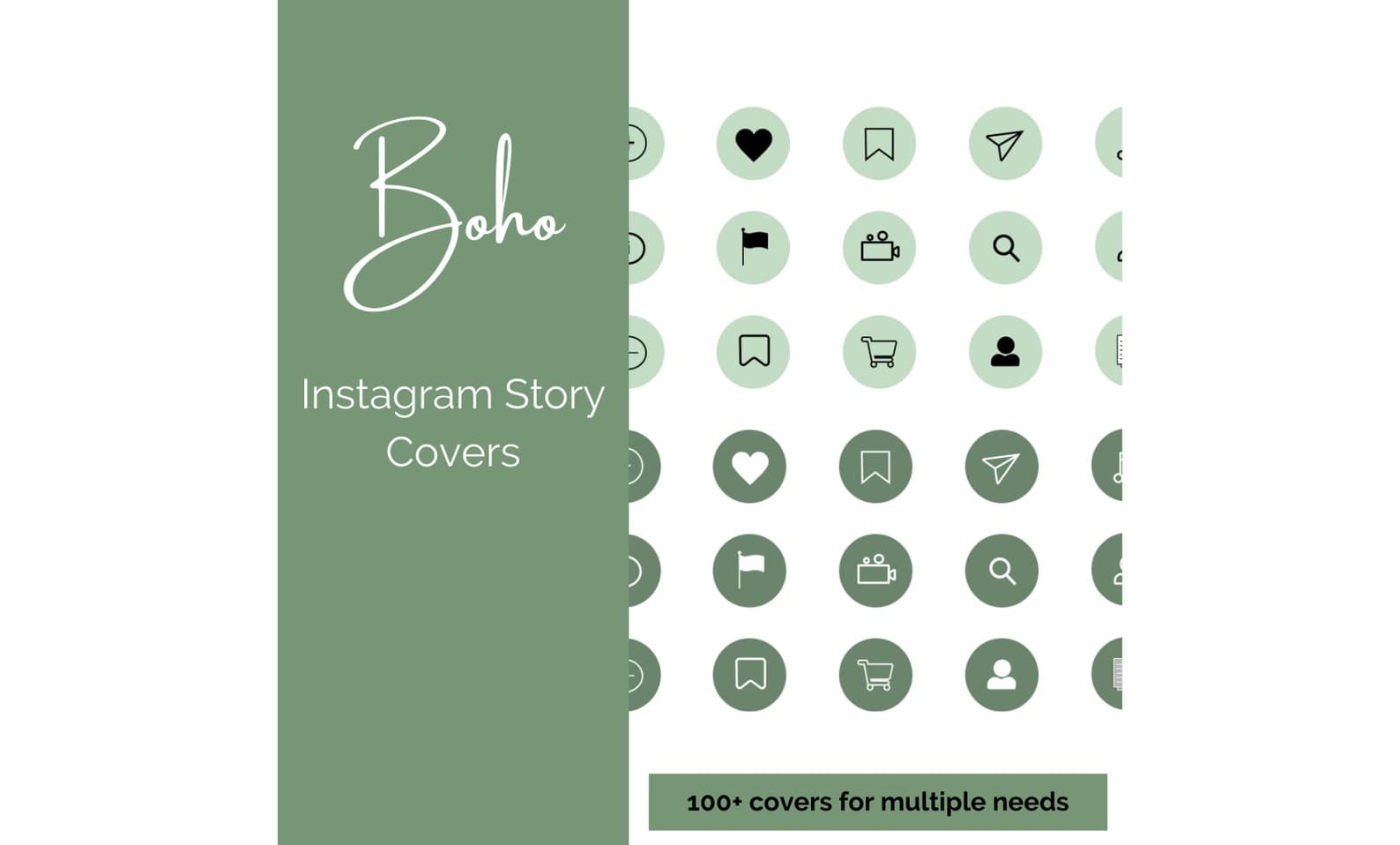
Green Minimal Instagram Highlights (Boho)
Boho green neutral Instagram highlight covers and story icons for cohesive profiles.
Social Media Templates · Guide
A practical workflow for planning, designing, and publishing posts without a full marketing team.
Updated August 8, 2026 · 7 min read
Create small-business social posts by picking an audience goal, batching a few content themes, designing from reusable layouts, writing one clear caption idea per post, then scheduling a realistic cadence you can sustain.
Decide whether the next two weeks should drive product sales, trust, foot traffic, or email sign-ups. Platform tactics get easier when the business goal is explicit.
Templates protect layout quality when you are tired and shipping late. They also keep brand colors and type style consistent across promotions, announcements, and educational posts.
Often a few high-quality posts per week is enough if engagement and product storytelling stay consistent. Daily posting only helps if quality and capacity stay stable.
You need correct sizes, but you can reuse the same idea with template adaptations rather than fully unique creative for each network.
Ready-to-edit Zqdo digital products. Purchase happens on Etsy; this site is here to help you choose the right starting point.
Boho green neutral Instagram highlight covers and story icons for cohesive profiles.
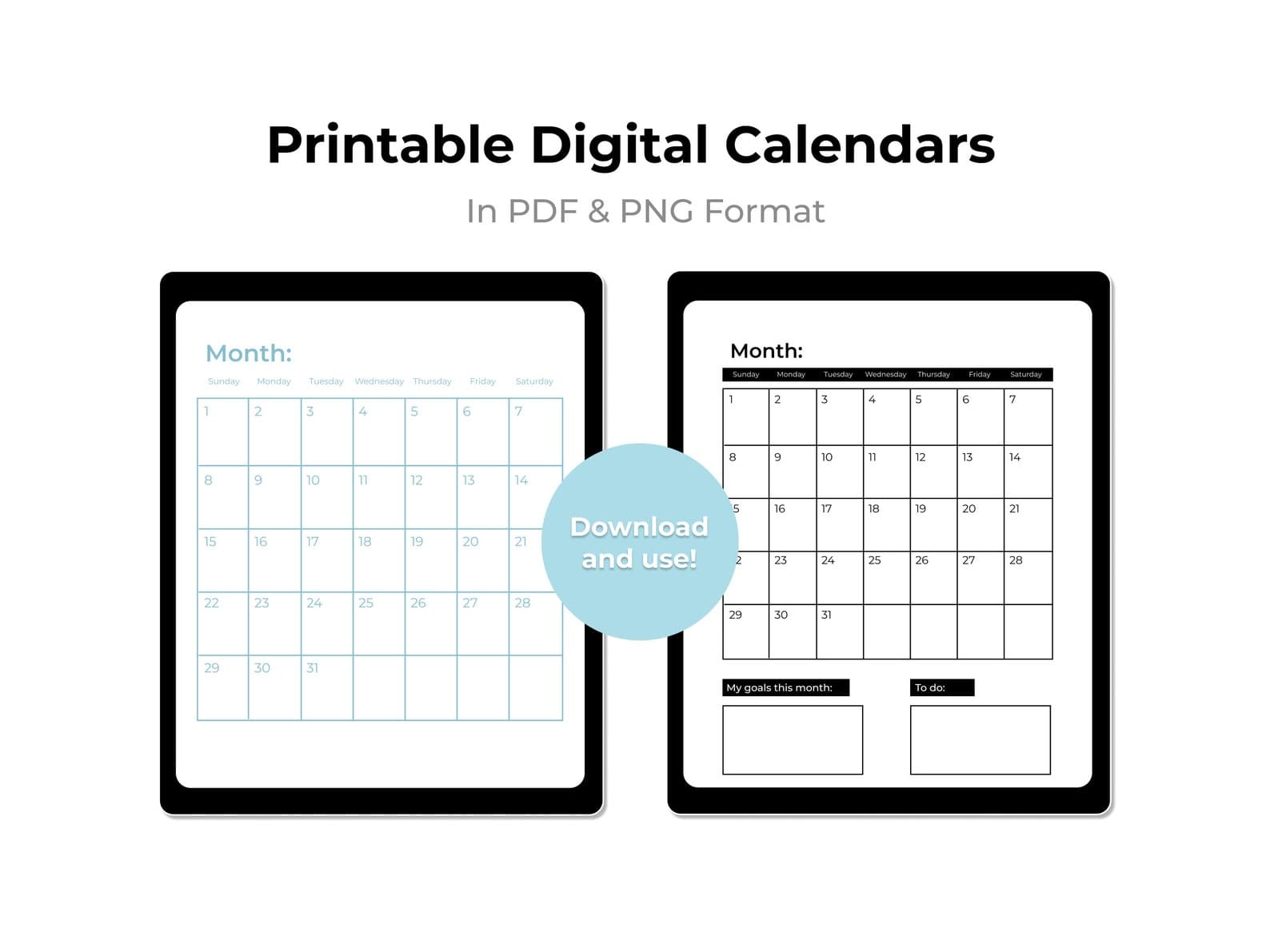
A printable 2026 monthly calendar for planning promotions, content, and operations ahead.
Keep exploring the social templates topic cluster before you buy.