Shopify troubleshooting & fixes
Need Someone to Fix Your Shopify Store?
Something broken, behaving strangely, or just not working the way it should? I help Shopify merchants troubleshoot and fix theme issues, app conflicts, mobile problems, broken functionality, layout issues, and other storefront problems.
Problems we fix
Problems I Can Help Fix
Common storefront failures merchants bring when something stopped working or never worked right.
Theme Issues
Broken sections, layouts, Liquid errors, and responsive issues that break the shopping experience.
App Conflicts
Apps interfering with themes, scripts, or other functionality—especially after installs or updates.
Mobile Problems
Elements displaying incorrectly, tap targets fighting each other, or poor mobile UX on key templates.
Cart & Product Page Issues
Variant problems, add-to-cart bugs, cart drawer issues, subscription widgets, and bundles.
Performance Problems
Slow pages, unnecessary scripts, heavy apps, and Core Web Vitals issues that hurt conversion.
Direct answers
Questions merchants ask before hiring help
Can I hire someone to fix my Shopify store?
Yes. Zqdo diagnoses and fixes live Shopify storefront problems—theme errors, app conflicts, mobile layout issues, cart and product-page bugs, and performance problems—without forcing a rebuild unless the architecture itself is the blocker.
How much does it cost to fix a Shopify store?
Cost depends on whether the issue is a contained bug, an app conflict, or a deeper theme/performance problem. Small fixes are scoped narrowly; systemic issues get a short audit first so you are not paying for guesswork. For broader pricing context, see our Shopify development cost guide.
Real project proof
Fixes and diagnostics on real Shopify stores
When something is broken or slow, proof matters. Here is related work on live storefronts.
Tennis Express
Tennis Express
- Problem
- Shoppers were waiting on JavaScript before they could evaluate shoes. Tennis Express had Shopify storefront performance issues across key templates—especially shoe product pages—where shoppers waited on a heavy critical rendering path…
- What Zqdo did
- Zqdo combined theme-level optimization with third-party script diagnosis: deferred non-critical JavaScript, audited CSS and fonts, investigated image loading and CLS, used Noibu for real-user errors,…
- Result / impact
- Lighthouse Performance score: 25 → 35
- Shopify Performance
- Core Web Vitals
- CRO
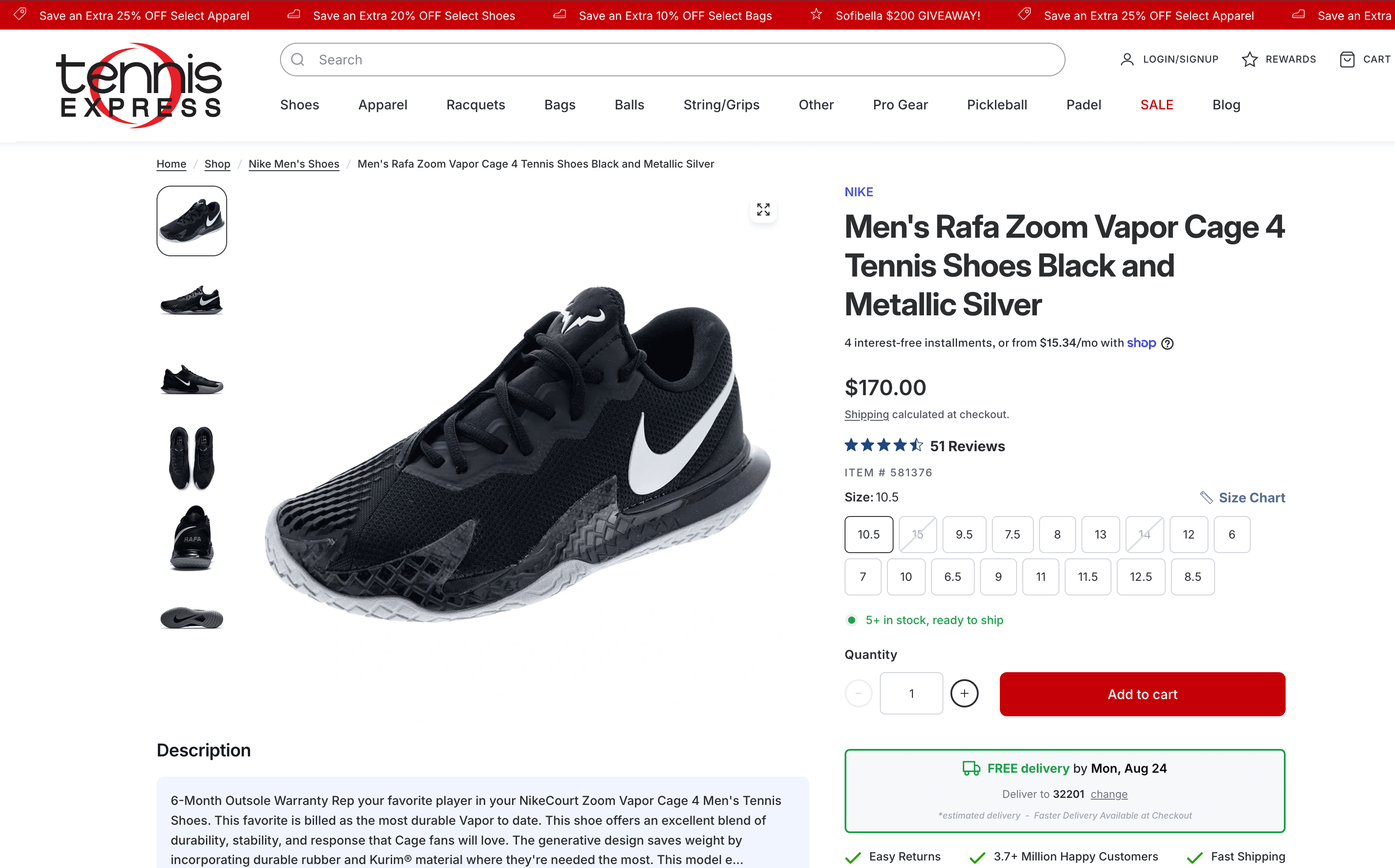
Before / related context 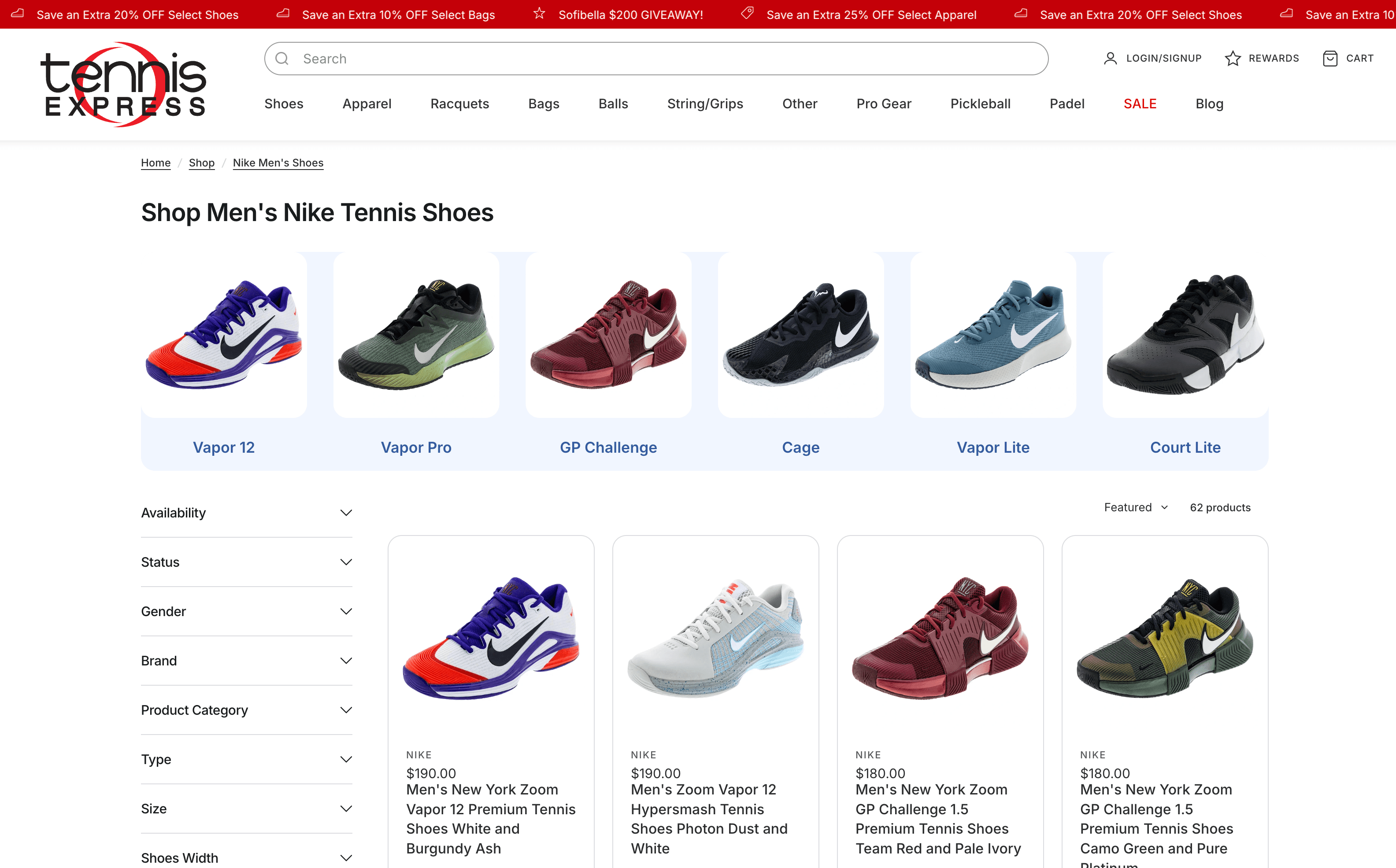
After / shipped work Tushbaby
Tushbaby
- Problem
- Growth created performance, PDP, and operations bottlenecks at once. Tushbaby’s rapid growth created common scaling challenges: performance bottlenecks affecting mobile experience, inconsistent product page structure across product lines,…
- What Zqdo did
- Zqdo optimized front-end performance and usability across critical Tushbaby customer journeys—including page speed work through asset cleanup, image optimization, and lazy loading; mobile UX…
- Result / impact
- Improved site performance and mobile usability
- Shopify Consulting & Technical Strategy
- CRO
- Performance
- UX
- Product Page Architecture

Before / related context 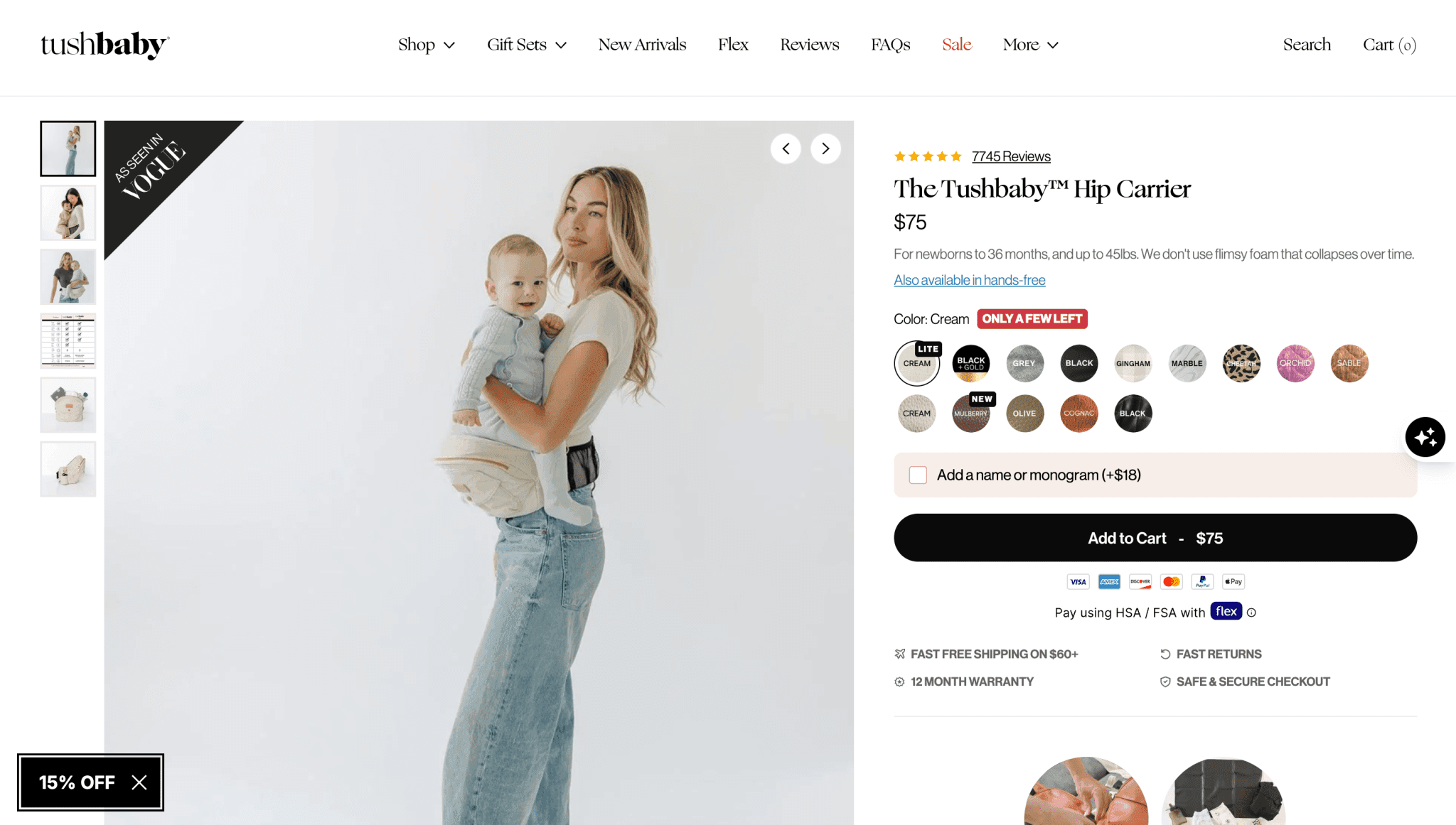
After / shipped work Agency support · Minion Made
CH Premier
- Problem
- High-traffic Shopify work that had to ship inside an agency relationship. CH Premier’s high-traffic Shopify storefront needed development capacity Minion Made could scale with—retention integrations, performance, and UX work that had to…
- What Zqdo did
- Zqdo provided contracted Shopify development support to Minion Made on CH Premier’s storefront—working inside Minion Made’s workflow, not as CH Premier’s direct agency.
- Result / impact
- Supported a high-traffic Shopify site with strategic development
- Development
- UX
- Performance
- Integrations

Website work for CH Premier
Process
From broken to shipped
A practical troubleshooting path for live Shopify stores.
01
Reproduce the problem
Screenshots, URLs, devices, and steps to reproduce—so we fix the real issue, not a guess.
02
Isolate theme vs app vs data
Many “broken store” reports are app conflicts, theme Liquid errors, or template-specific bugs.
03
Patch safely
Changes are scoped, reviewed, and tested on staging when the risk warrants it.
04
Confirm and harden
We verify the fix on the affected templates and note anything that should be cleaned up next.
FAQ
Common questions
Can you fix a store you did not build?
Yes. Most troubleshooting work is on stores we did not originally build. We start with the live theme, apps, and the specific broken behavior.
What information should I send?
The page URL, what you expected vs what happens, device/browser if relevant, and any recent app or theme changes. Screenshots or a short loom help a lot.
What if the issue is an app, not the theme?
We identify whether the conflict is theme code, app scripts, or configuration—then fix what we can and recommend app changes when that is the cleaner path.
Something broken? Tell me what's happening.
Share the URL, what broke, and when it started. I will tell you what looks fixable quickly versus what needs a deeper pass.