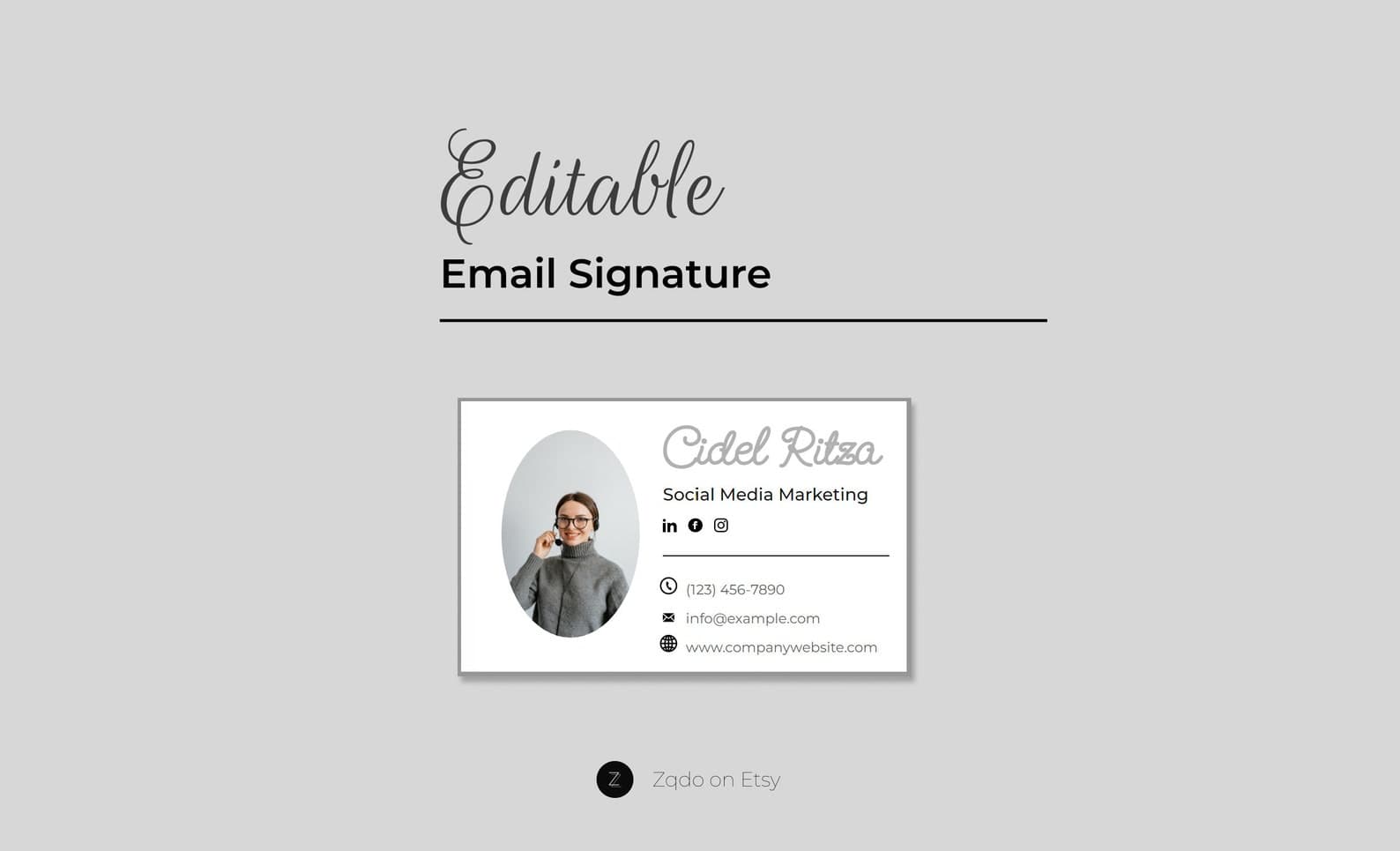
HTML Email Signature Template with Photo
A professional HTML email signature with photo and logo—minimal editable design for business email.
Email Signatures · Guide
A practical checklist of what belongs in a business email signature—and what to leave out.
Updated August 8, 2026 · 7 min read
A professional email signature should typically include your name, job title, company, contact information, website, and relevant social links. Keep it concise and make sure it works well on both desktop and mobile.
Every work email is a small brand touchpoint. A professional email footer makes it easier for recipients to trust you, contact you, and visit your site without digging through old threads. For small businesses and freelancers, a consistent signature also makes you look established even when you are a lean team.
Start with the details people actually use. Extra design only helps after the essentials are clear.
Clutter is the most common signature failure. Long legal disclaimers, multiple banners, animated GIFs, and five social icons usually hurt readability more than they help branding.
A signature that looks polished in a browser composer still needs mobile testing. Send yourself a message and open it in Gmail or Apple Mail on a phone. If text wraps into an awkward column, simplify spacing and image width.
Usually a few short lines plus minimal branding. If the signature is longer than a short paragraph plus contact details, cut items until the message stays readable.
A small headshot can help relationship-based businesses. Skip it if it slows loading, distorts, or feels too personal for your industry.
Only include networks your audience uses to evaluate or contact you. One strong link is better than a row of unused icons.
Ready-to-edit Zqdo digital products. Purchase happens on Etsy; this site is here to help you choose the right starting point.
A professional HTML email signature with photo and logo—minimal editable design for business email.
Keep exploring the email signatures topic cluster before you buy.