Shopify Performance
How To Speed Up A Shopify Store
A practical playbook for diagnosing slow Shopify stores and shipping speed fixes that improve UX and conversion.
Tennis Express · Shopify · Shopify Performance
Improving storefront performance by identifying unnecessary JavaScript, third-party scripts, resource prioritization issues, and Core Web Vitals opportunities.
Project timeframe: Performance audit & staged optimization
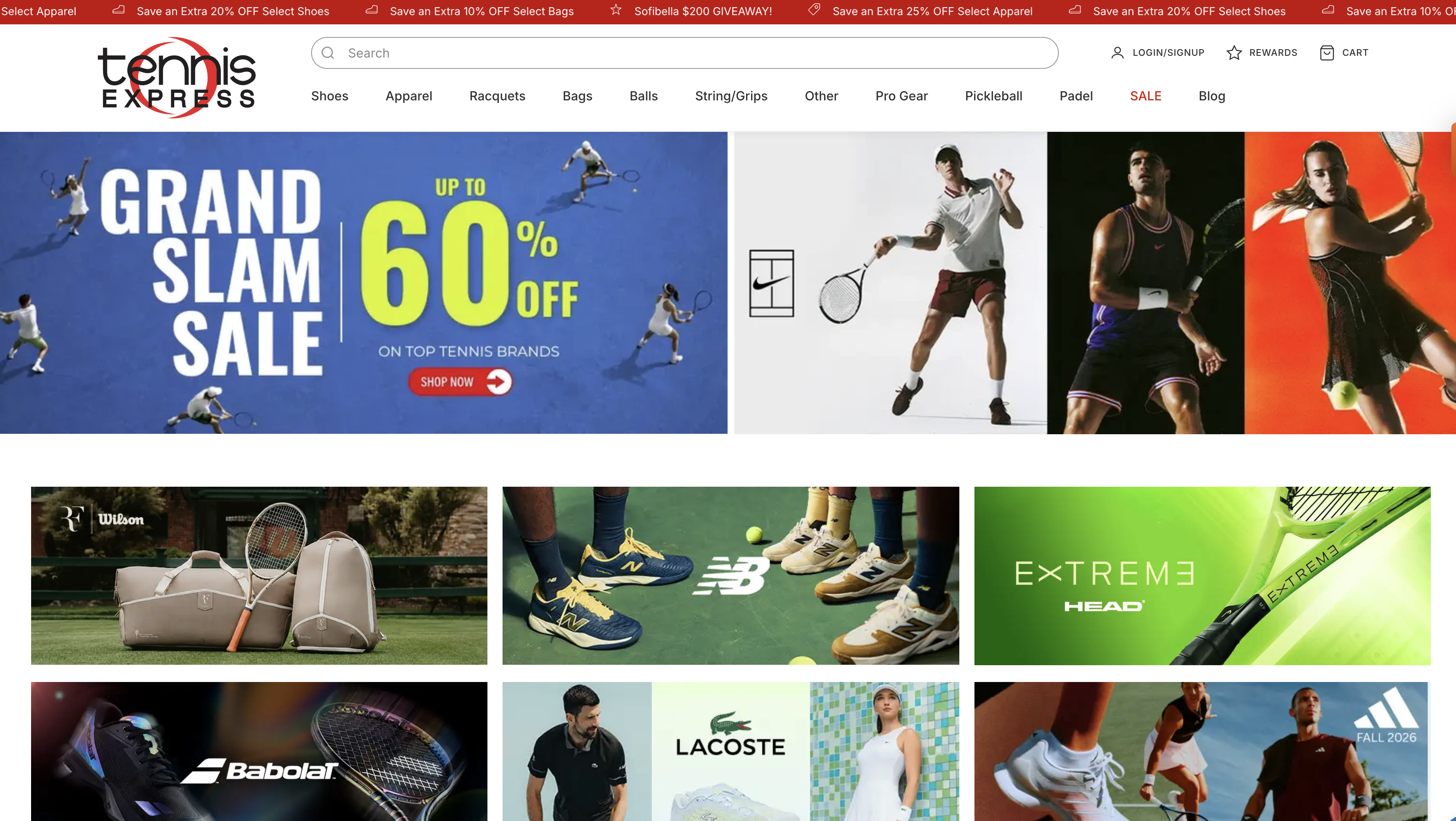
Tennis Express had Shopify storefront performance issues across key templates—especially shoe product pages—where shoppers waited on a heavy critical rendering path before they could evaluate products.
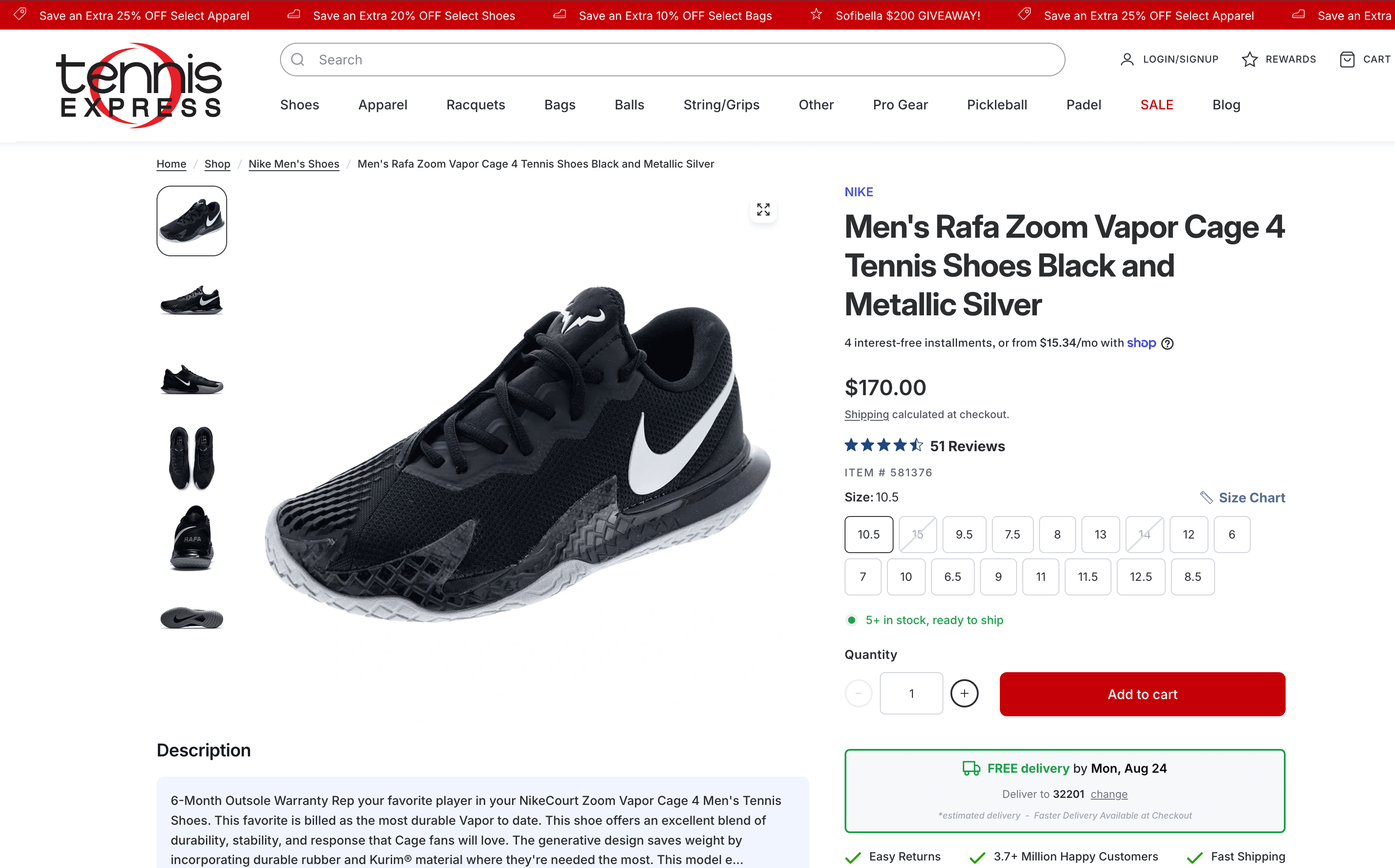
Audits pointed to a Lighthouse Performance score around 32 on a shoe PDP, LCP near 10.7 seconds, significant JavaScript execution, multiple third-party scripts consuming CPU, a homepage that prioritized the wrong promotional banner, analytics/tracking that needed cleanup, and apps that contributed meaningful execution time.
Liquid, CSS, JavaScript, fonts, and resource loading across the Tennis Express storefront.
LCP, CLS, and overall page performance on homepage and product templates.
Signifyd, Noibu, SATCB, Alia, Rebuy, Consentmo, Zinrelo, and related Shopify apps.
GTM, GA4, Google Ads, and other tracking that competed for early browser time.
Noibu session evidence, Safari/iOS behavior, and Quick View functionality.
The shoe PDP Lighthouse audit showed JavaScript and third-party scripts as the primary performance constraint—not images or CSS alone. Excessive JavaScript execution delayed interactivity and pushed Core Web Vitals down on Tennis Express product pages.
Multiple apps competed for CPU during page load. Approximate CPU times from the audit observations included:
Third-party script CPU observations (audit)
| Script | Approx. CPU time |
|---|---|
| Signifyd | ~3.0s |
| SATCB | ~1.2s |
| Noibu | ~1.1s |
| Alia | ~590ms |
| Rebuy | ~574ms |
These figures are audit observations from the Tennis Express performance review—not permanent production costs.
The product page had an observed ~10.7s LCP. Recommendations focused on prioritizing the actual product image and delaying non-critical JavaScript so the largest visible content could paint sooner.
The homepage was attempting to prioritize an old or hidden banner rather than the two promotional images shoppers actually saw. In plain terms: the site told the browser to prioritize an image shoppers were not seeing.
We identified opportunities to audit duplicate or unnecessary analytics and advertising scripts—GTM, GA4, Google Ads, and related tags—and reduce their impact on the initial page experience.
Step 01
Zqdo combined theme-level optimization with third-party script diagnosis: deferred non-critical JavaScript, audited CSS and fonts, investigated image loading and CLS, used Noibu for real-user errors, and developed a Signifyd mitigation approach that loads fraud tooling when purchase intent appears instead of on every early page load.
Step 02
Keep important ecommerce apps, but load non-critical functionality conditionally or after the shopper demonstrates a need for it. Critical storefront rendering comes first; purchase-intent tools wait until they matter.
Step 03
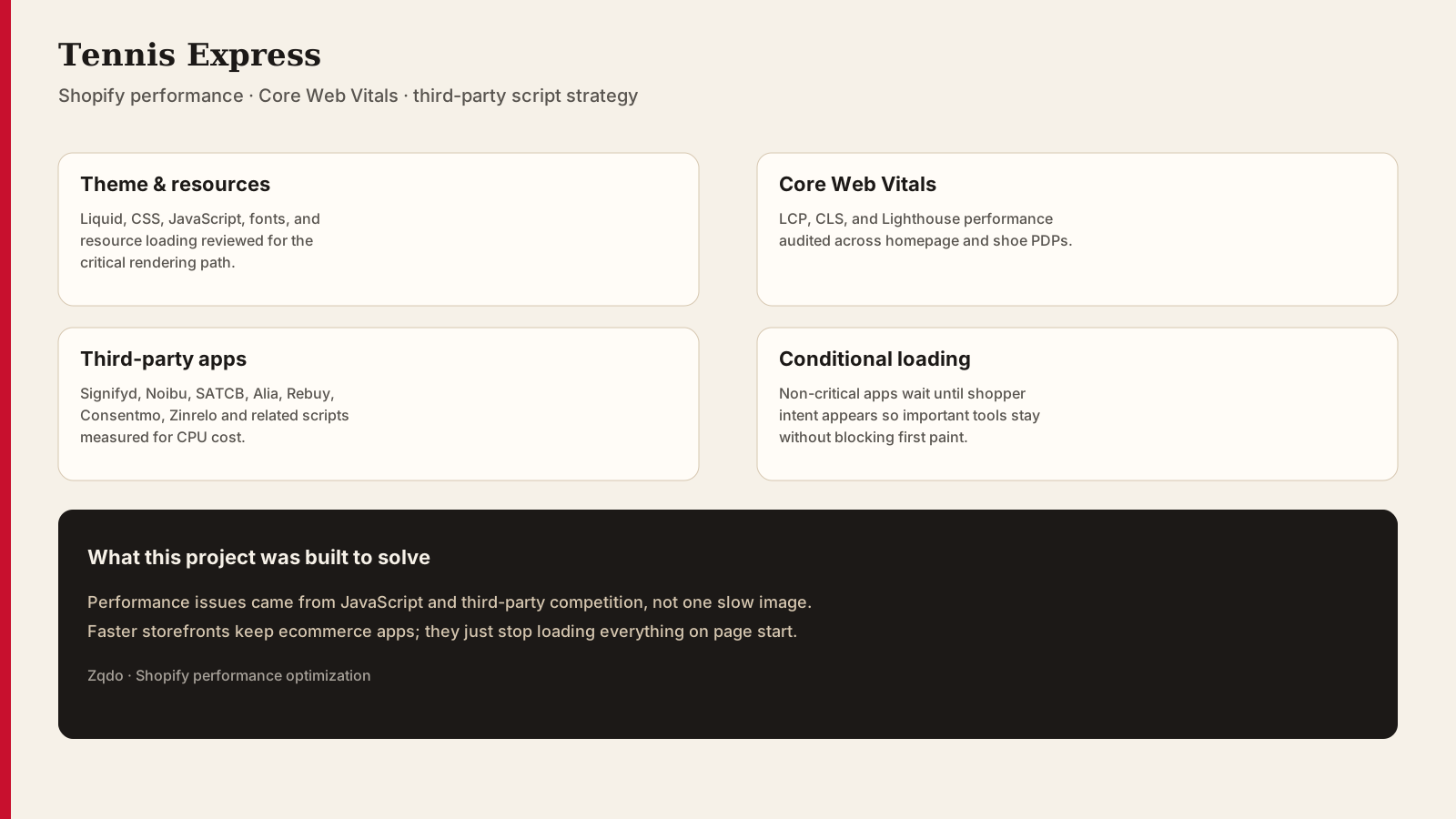
A snapshot of the problems this project was built to solve — not a screenshot of the live site.
Step 04
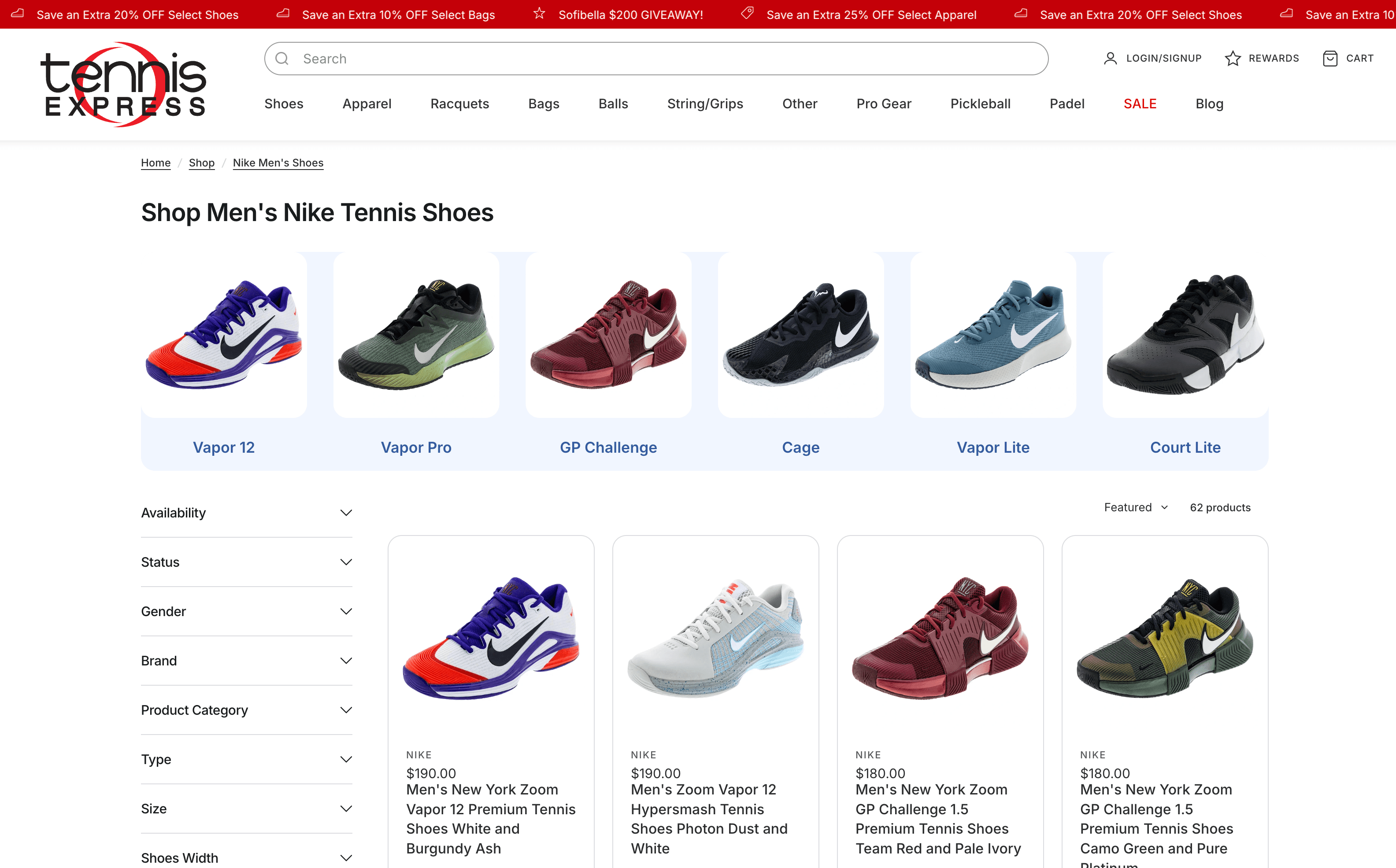
Collection templates add filter UI, merchandising imagery, and app weight on top of the same shared storefront stack.
Implemented work is separated from recommendations so we do not imply every opportunity was deployed to production.
2535
Lighthouse Performance score
Targeted storefront optimizations improved the staging Lighthouse Performance score from approximately 25 to 35. Additional audits identified further opportunities around third-party JavaScript, LCP, and app loading. This staging result should not be read as a proven exact +10 production score change without matching production measurements.
Verified results from the work.
Tennis Express's performance challenges were not caused by a single large image or a slow Shopify theme. The larger opportunity was reducing the amount of JavaScript and third-party functionality competing for the browser's attention during the critical rendering path.
A common question in Shopify performance work is how to improve speed without removing important apps. For Tennis Express, the Signifyd work is a clear example.
Default pattern
Page load → every app loads → browser executes everything immediately.
Conditional approach
Page load → critical storefront renders → non-critical functionality waits → purchase intent triggers relevant functionality.
Load non-critical apps conditionally or after the shopper demonstrates a need for them. That protects Core Web Vitals while keeping ecommerce safeguards and merchandising tools available when they matter.
We optimized JavaScript loading, deferred non-critical vendor scripts, audited theme CSS and fonts, investigated image loading and CLS, used Noibu for real-user issues, and developed a conditional-loading approach for Signifyd so fraud tooling did not need to execute at the start of every page load.
On the shoe PDP audit, JavaScript and third-party scripts were the primary constraint. Lighthouse Performance was around 32, with LCP near 10.7 seconds and multiple apps consuming substantial CPU time.
The product page's largest contentful paint was observed around 10.7 seconds. Delaying non-critical JavaScript and prioritizing the actual product image were the main LCP recommendations.
Apps inject JavaScript that competes for CPU during the critical rendering path. On Tennis Express, audit observations showed Signifyd, SATCB, Noibu, Alia, and Rebuy among the heavier contributors.
Keep the apps that matter, but load non-critical functionality conditionally or after purchase intent appears. Critical storefront rendering should come first.
Guides related to the Tennis Express work—covering the same platforms, services, and problems addressed in this case study.
Shopify Performance
A practical playbook for diagnosing slow Shopify stores and shipping speed fixes that improve UX and conversion.
Shopify Performance
Shopify performance optimization on revenue templates: Core Web Vitals, app and pixel governance, theme efficiency, a wins-first triage sequence, and monitoring that keeps gains.
Shopify SEO
How Shopify brands can earn visibility in AI answers and modern search by structuring clear, trustworthy, citation-ready content—and attribute AI-referred orders without confusing them with agent checkout.

Featured project
Tushbaby Shopify case study—outsourced web leadership covering performance, CRO, product page architecture, and ongoing web operations with Intelligems A/B testing.

Agency support · Minion Made
CH Premier Shopify case study—contracted development support for Minion Made on a high-traffic jewelry storefront: Yotpo and Klaviyo integrations, performance, and UX optimization.

Agency support · Minion Made
American Barbell Shopify case study—contracted development support for Minion Made focused on site performance, customer journey optimization, and strategic ecommerce solutions.
Talk to Zqdo about development, optimization, CRO, performance, or ongoing Shopify support.
Project lead

Founder & Web Development / Shopify Consultant at Zqdo
David Frempong is the founder of Zqdo, where he works across Shopify development, web development, website management, SEO, AEO, CRO, and technical website optimization. He works with ecommerce brands, local businesses, marketing teams, and development teams to solve technical and growth-related website problems.